
TheKeyStore Switzerland / SOFTWARE
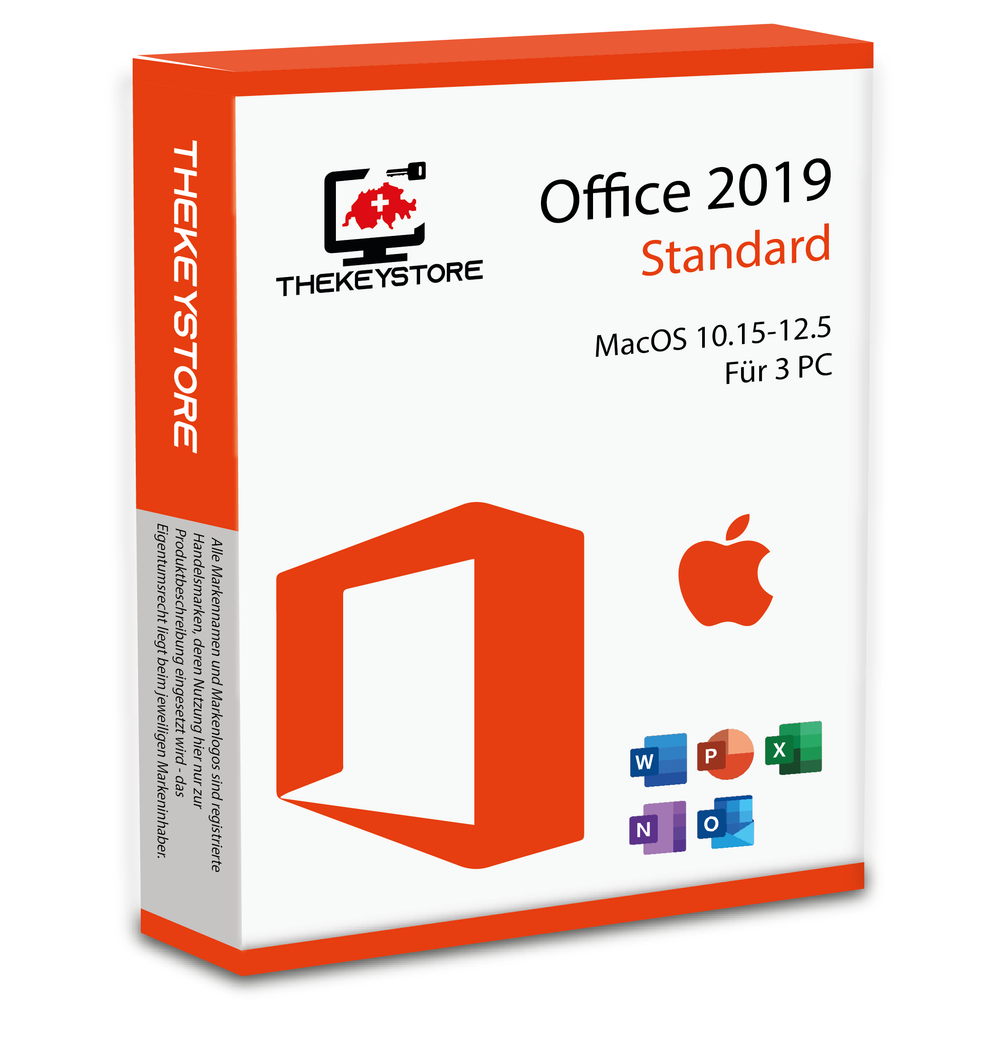
Microsoft Office 2019 Standard Mac 10.15-12.5 for 3 PC
Microsoft Office 2019 Standard Mac 10.15-12.5 for 3 PC: This edition is for Mac. Compare the listed macOS version with your device before ordering. Access is not a Mac application; Windows and Mac licences are different products.
Tax included. Shipping at checkout.
Product description
Microsoft Office 2019 Standard MacOS 10.15-12.5 - For 3 PCs
From the first draft to the final presentation, this Office suite supports documents, spreadsheets, email and slides. Its desktop applications help you produce organised work and share it in familiar file formats.
What the software offers
- Word for writing, templates and well-formatted documents.
- Excel for calculations, spreadsheets and clear data analysis.
- PowerPoint for presentations; Outlook for email, calendars and contacts.
This is the Mac edition. Use the macOS installation package matching the offer; a Windows installer is not suitable.
When installed together, Office, Project and Visio must have compatible versions, installation technologies and 32-/64-bit architectures. Additional cloud services are not automatically included.
This older product generation no longer receives regular manufacturer support. Being installable does not mean it still receives security updates. Before buying, consider whether a newer version better suits your needs.
Choose the right version
Device count, duration and delivery method depend on the selected offer. Check your variant before buying, especially for multi-device packs and subscriptions.
Lifetime · perpetual
Perpetual use of the purchased version under the product terms. Device count and activations remain limited to the licensed scope; future major versions are not automatically included.
Installation languages: German, English, French, Italian. Other languages on request; CHF 10 supplement as stated in the product offer.
ESD delivery provides your product key and download and installation information by email. USB drives or DVDs are included only when that variant is selected. The delivery time stated for your variant applies.
Minimum requirements at a glance
System requirements – Microsoft Office 2019 Standard MacOS 10.15-12.5 - For 3 PCs
These are minimum requirements. Additional features, updates and your workload may require more resources. Check the complete manufacturer specifications for the relevant version before buying.
- Operating system
- Installer version stated in this offer: macOS 10.15–12.5.
- Other requirements
- This archived Mac edition cannot be assessed using current Office for Mac requirements. Please have your hardware, macOS version and installation package confirmed before buying.
Internet for downloads, activation and online features. Additional accounts or components may be required.
Installation
Installation – Microsoft Office 2019 Standard MacOS 10.15-12.5 - For 3 PCs
- Before installing the new Office package, please uninstall all old Office versions from your computer. You can find them in Applications and can uninstall them there by deleting all Word, Excel, PowerPoint, and Outlook software. Then empty the trash. If you had Office 365 installed, please download and run the Microsoft Office 365 license removal tool. This is essential.
- In the email or on the invoice, you have 2 files to download; follow the links to our download center and download both: the installer and the activation program (serializer).
- After downloading both files, start the installation by double-clicking on the first file (installer) and wait for the installation to finish by accepting the selections. Once the installation is complete, you have installed the software.
- Then double-click on the 2nd file (serializer) and wait for the installation to finish by accepting the selections. Once the installation is complete, you have successfully finished the installation process.
- If the 2 files were installed without errors, you can go to your applications and start Word, Excel, PowerPoint, or Outlook. Normally, Office will start the update software for its programs. Wait until the update is complete.
- Once the software has started, you do not need to create a Microsoft account or enter an existing one, though you can if you wish. Select the "Skip sign-in" option to access and use the software.
If there are any further problems with the installation or activation, please write to us. Simply use our contact form and ideally send a screenshot of the error message along with your query. We are happy to help you.
AT A GLANCE /
Is this software right for you?
Microsoft Office 2019 Standard Mac 10.15-12.5 for 3 PC: This edition is for Mac. Compare the listed macOS version with your device before ordering. Access is not a Mac application; Windows and Mac licences are different products.
This offer is listed for 3 PCs. Choose a different package if you need another device count.
Check before buying
A one-time Office purchase and a Microsoft 365 subscription are different products. Also check whether the edition is for Windows or Mac; they are not interchangeable.
Microsoft support for Office 2016 and Office 2019 has ended. Perpetual use does not mean unlimited security updates. Choose an older version only after checking your requirements and its support status.
Available options
The selector above shows current variants, prices and availability. Check device count, duration, platform and delivery method before ordering.
Delivery and activation
Digital ESD variants are delivered by email with the product key and available download information. The selected variant determines delivery method and timing. A USB stick or DVD is included only if you specifically choose that variant.
Personal support from Lucerne
For help choosing, installing or activating your software, contact TheKeyStore Switzerland, operated by Everix GmbH in Lucerne. For an existing order, have your order number and any exact error message ready.